Managing a CRM from your pocket requires a specific setup to ensure you never miss a lead. If you are looking for ghl for ios, the official gateway is the LeadConnector app.
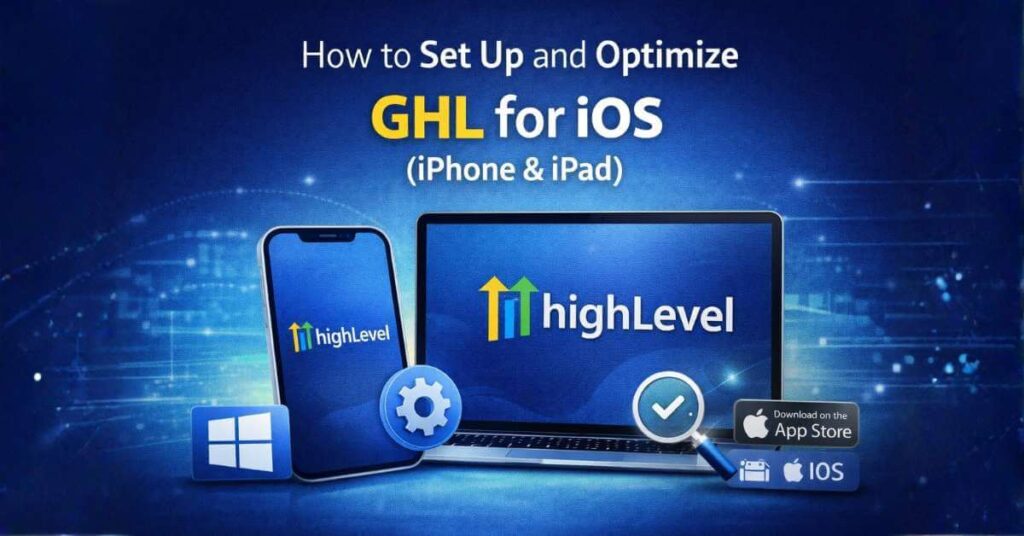
How to Install:
Pro-Tip for iOS Users: To make the most of ghl for ios, ensure you enable "Critical Alerts" in your notification settings. This ensures that even if your phone is on "Do Not Disturb," a new lead notification can still get through.
Looking for other versions? Check out our Ultimate GHL Download Guide for desktop and other devices.